 RafaSC
Water
How to make objects float on stylized water in UE5 without physics
Objects can float on a custom water material in Unreal Engine 5 without physics simulation if a Blueprint evaluates the same wave formula as the shader. It samples the wave height under the object, moves it up and down and tilts it from a few sample points. That keeps boats and barrels on the waves you actually see.
By RafaSC, 3D and technical artist · Updated · 4 min read
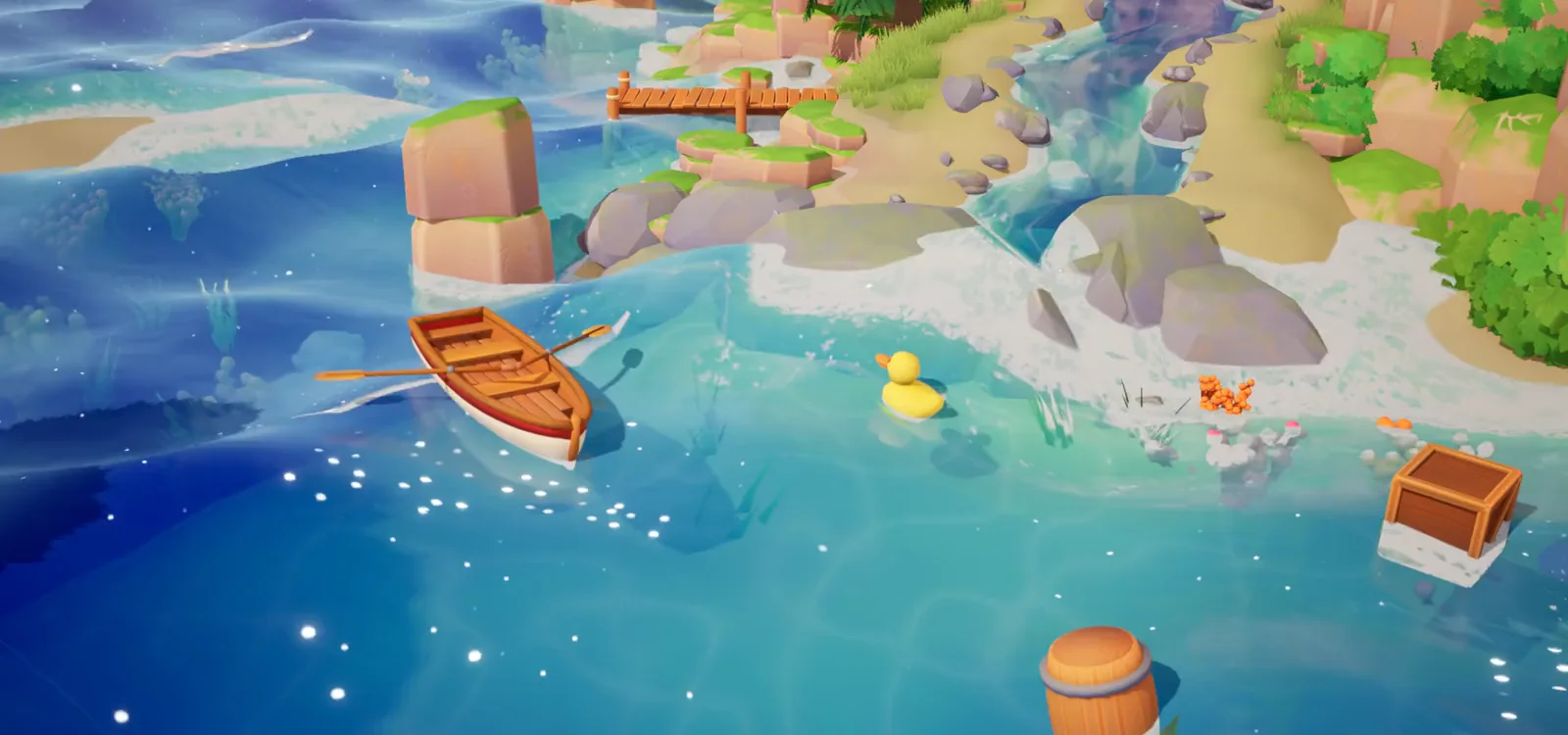
Buoyancy without physics: why it works
Physics simulation in Unreal does not know about your water material. The waves move vertices on the GPU, and gameplay code never sees them. The Buoyancy component that ships with Unreal's Water plugin is wired to that plugin's water bodies, not to a custom material on a plane.
The fix is to skip physics entirely: evaluate the same wave formula twice — once in the shader, once in a Blueprint. The Blueprint asks "how high is this wave at this XY position, right now?" and places the object there. No physics, no floating-point explosions, no gravity interaction. It is a lookup, not a simulation.
How it rides the wave
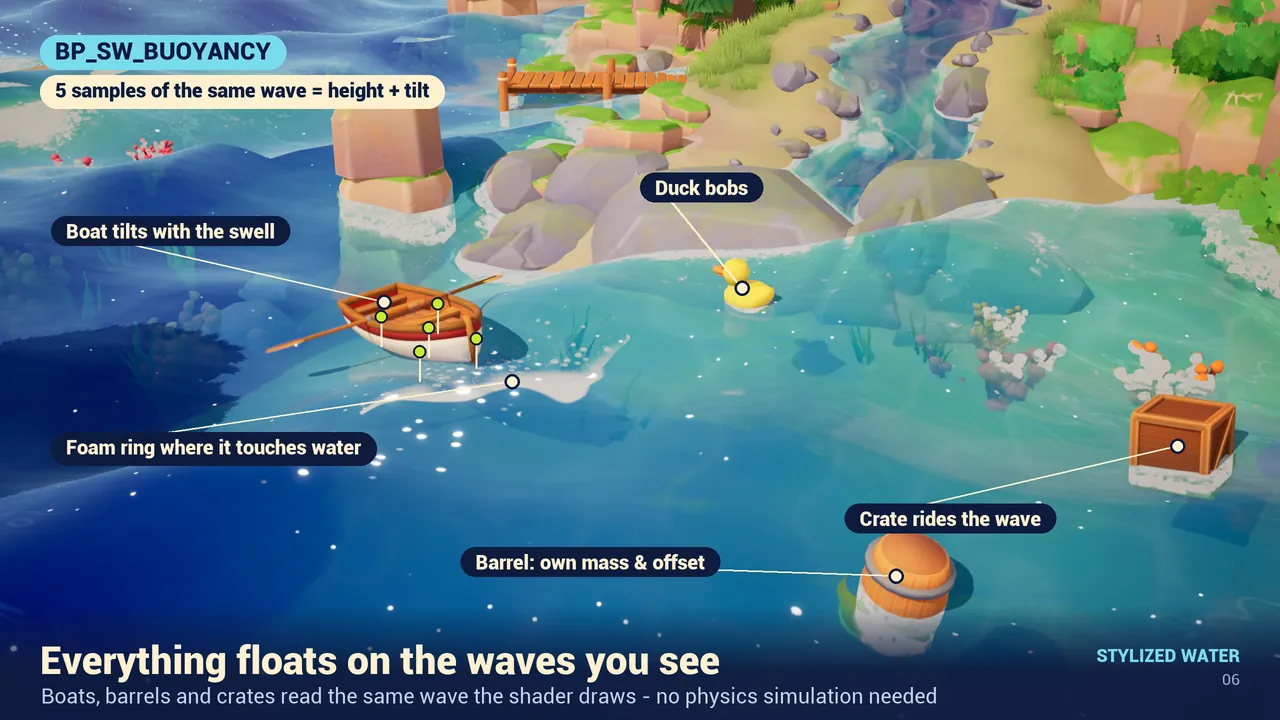
In Stylized Water Material the Blueprint is the component BP_SW_Buoyancy. It takes five samples of the same wave formula the shader uses. From those five points it derives a height and two tilt angles: a boat tilts with the swell, a crate bobs, a duck rides the same wave you see. The mesh goes where the wave says, every frame, without physics simulation.
Steps
- Add the component BP_SW_Buoyancy to any actor: Add Component, search "BP_SW_Buoyancy". The actor's mesh must be Movable.
- Add the Actor Tag
SW_Waterto your water plane. The component finds the nearest tagged water by itself (AutoFindWater). - Press Play and tune.
| Setting | What it does |
|---|---|
| BobAmount | How much it moves up and down |
| TiltAmount | How much it tilts with the wave |
| FollowSpeed | How fast it follows the water |
| PontoonSpacing | Distance between the sample points |
| FloatOffset | Raises or lowers the object in the water |
Calm water or a storm: wave parameters
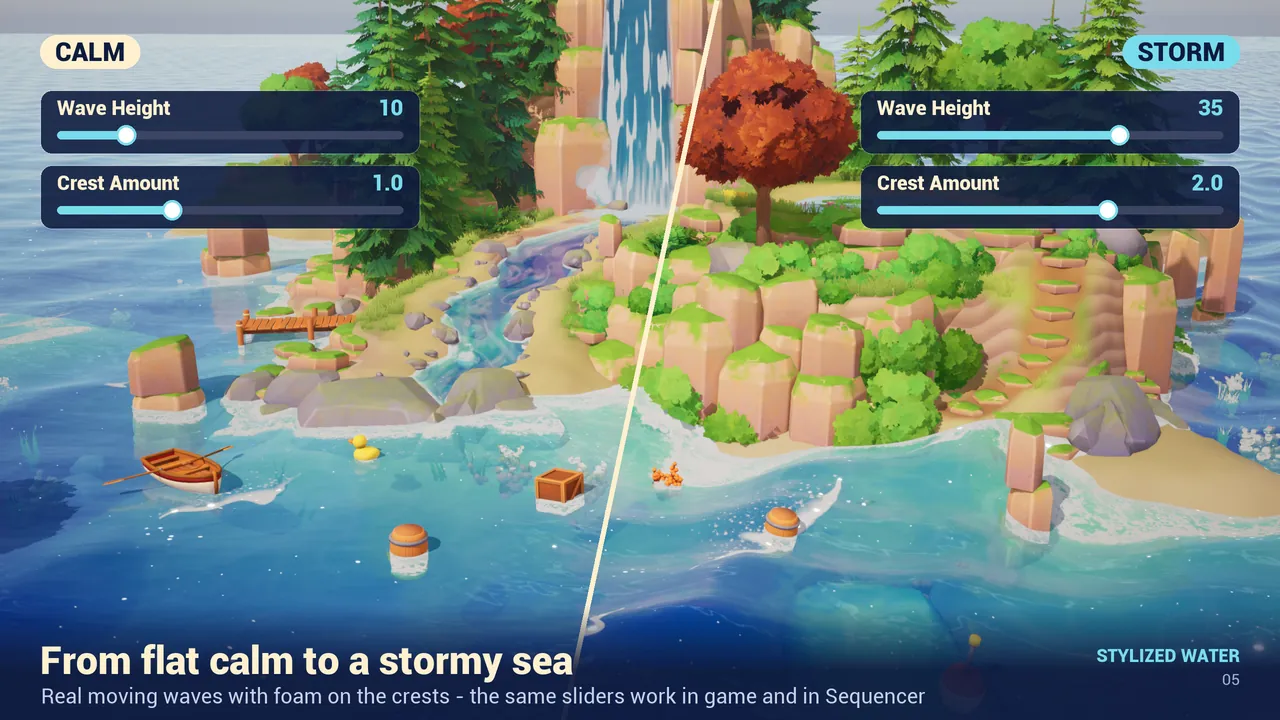
The waves are set in the material, not in the Blueprint. Group 07 (Waves) controls Wave Height, Wave Length, Wave Steepness, Wave Direction and Wave Speed. The same preset goes from a flat calm to a stormy sea with two sliders — and the floating objects ride the new waves automatically, because they sample the same parameters.
Objects in a river
If you are placing objects in a river rather than the sea, use the same component. The river Blueprint (BP_SW_River) uses the same wave formula on its surface, so a barrel placed in the channel bobs with the current. Set FollowSpeed low (0.5 to 1.0) so the object feels heavy.
Limits
- There is no physics simulation, so do not expect rigid-body reactions. It is for things that ride the water, not for things that fall in and splash.
- The mesh must be Movable.
- The water plane needs the
SW_Wateractor tag, or the component has nothing to find. - Tested on Unreal Engine 5.8.
The water itself is covered in how to make stylized water in UE5, and rivers and waterfalls in building a river with splines.
Frequently asked questions
Why do my objects not follow the waves of my water material?
The waves move vertices on the GPU, and gameplay code does not see them. A Blueprint has to evaluate the same wave formula as the shader and place the object at that height.
Does BP_SW_Buoyancy use physics?
No. It reads the same wave formula as the shader and moves the actor. It does not use physics simulation.
My object does not float. What did I miss?
The actor's mesh must be Movable and the water plane needs the Actor Tag SW_Water so the component can find it.
Can I change how deep the object sits?
Yes, with FloatOffset. BobAmount and TiltAmount control the movement.
Related guides
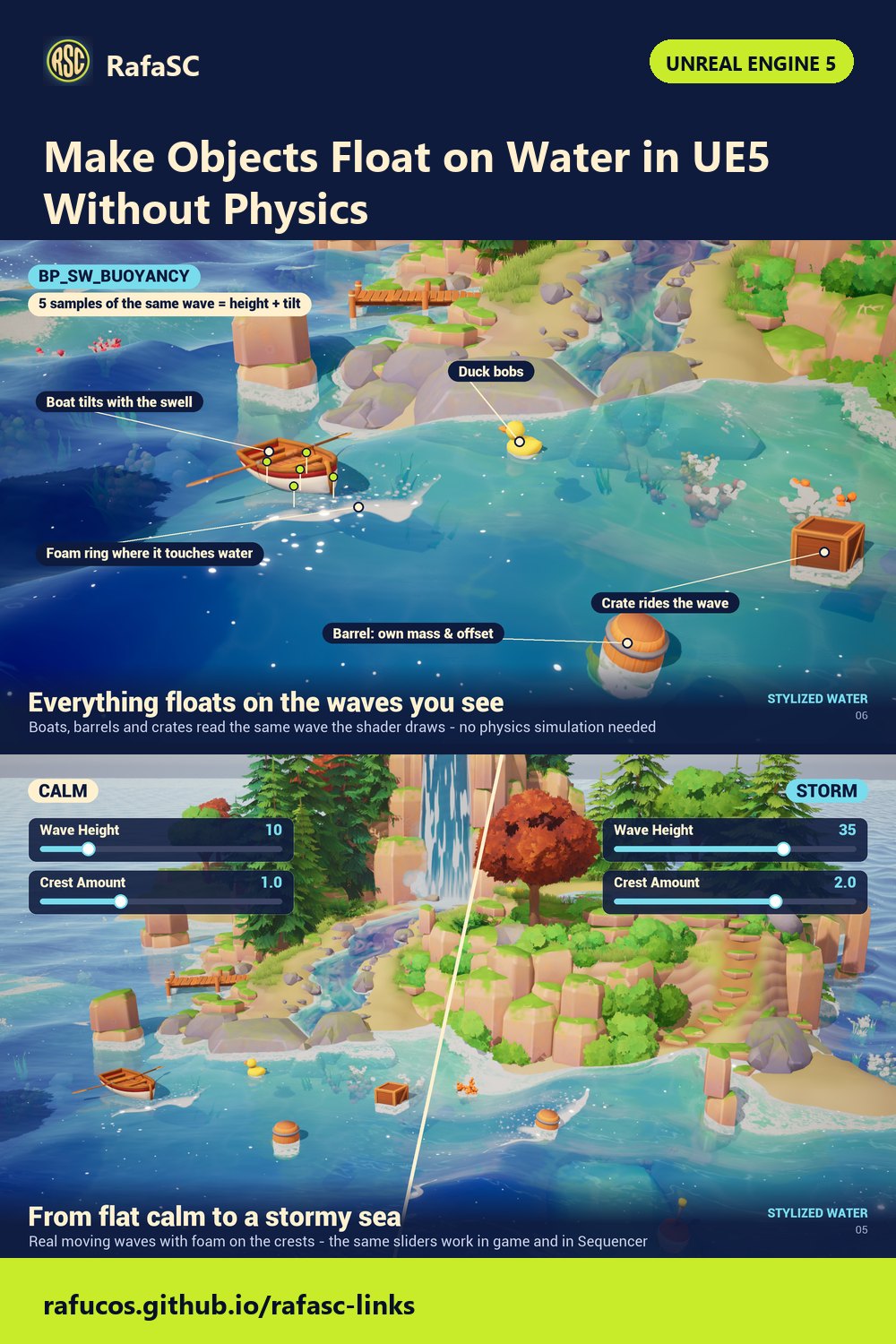
Save this guide for later. Product used on this page: Stylized Water Material.