 RafaSC
Toon and cel shading
Anime shader for Unreal Engine 5: cel shading setup and free option
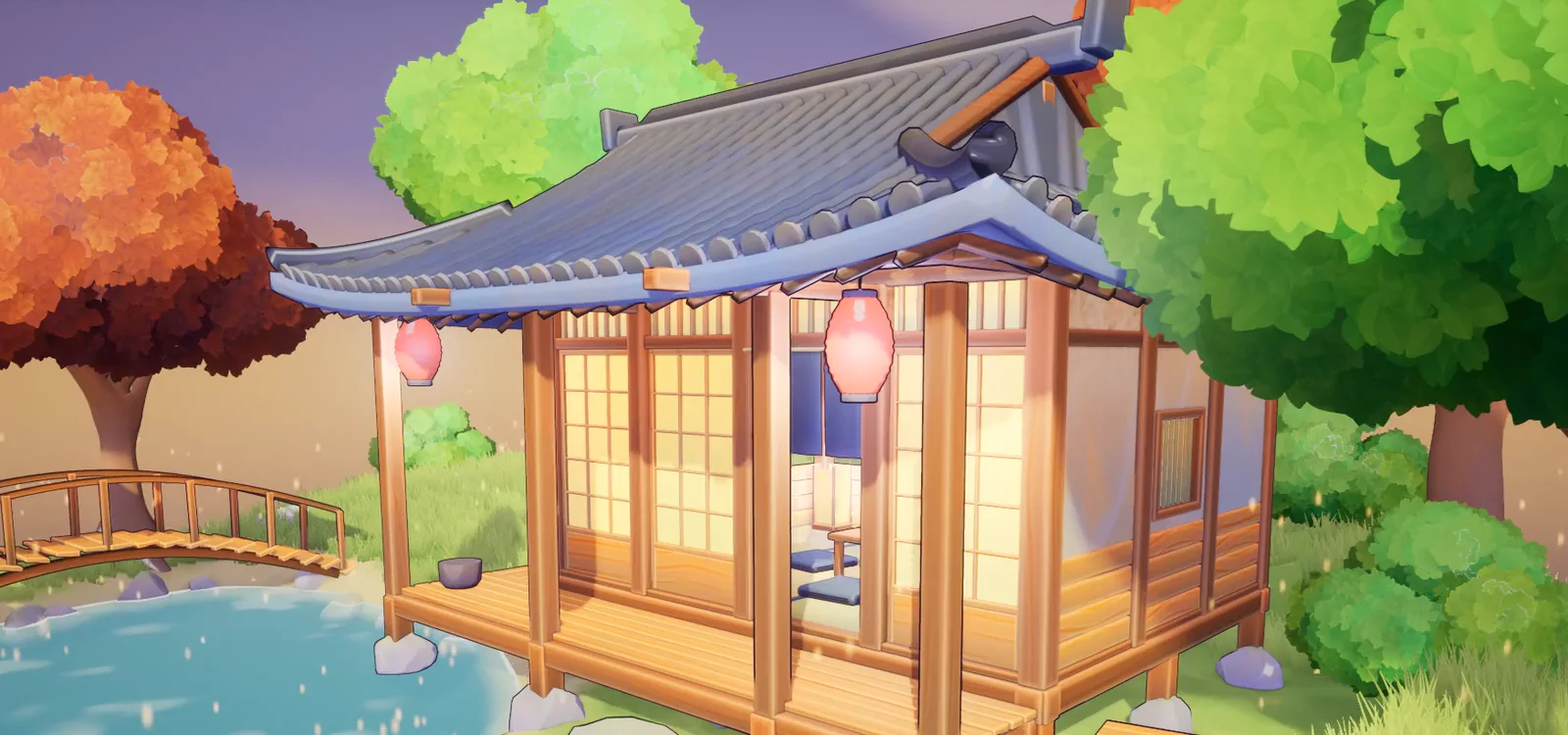
An anime shader in Unreal Engine 5 replaces the default lighting with flat tone bands, adds a coloured outline and softens the shadows so they read like hand-drawn anime art. A post-process anime shader does this across the whole scene without editing any material.
By RafaSC, 3D and technical artist · Updated · 5 min read
What an anime look needs
Classic anime cel shading has a few distinct properties: a soft shadow band rather than a hard one, pastel high-key tones, a coloured or softened outline (not a hard black ink line), and exposure that keeps the lighter tones close to white without bloom. All of those are possible in Unreal Engine 5 without touching individual materials.
Anime Soft look in Custom Toon Shaders Studio
The 02 Anime Soft preset in Custom Toon Shaders Studio was built for this:
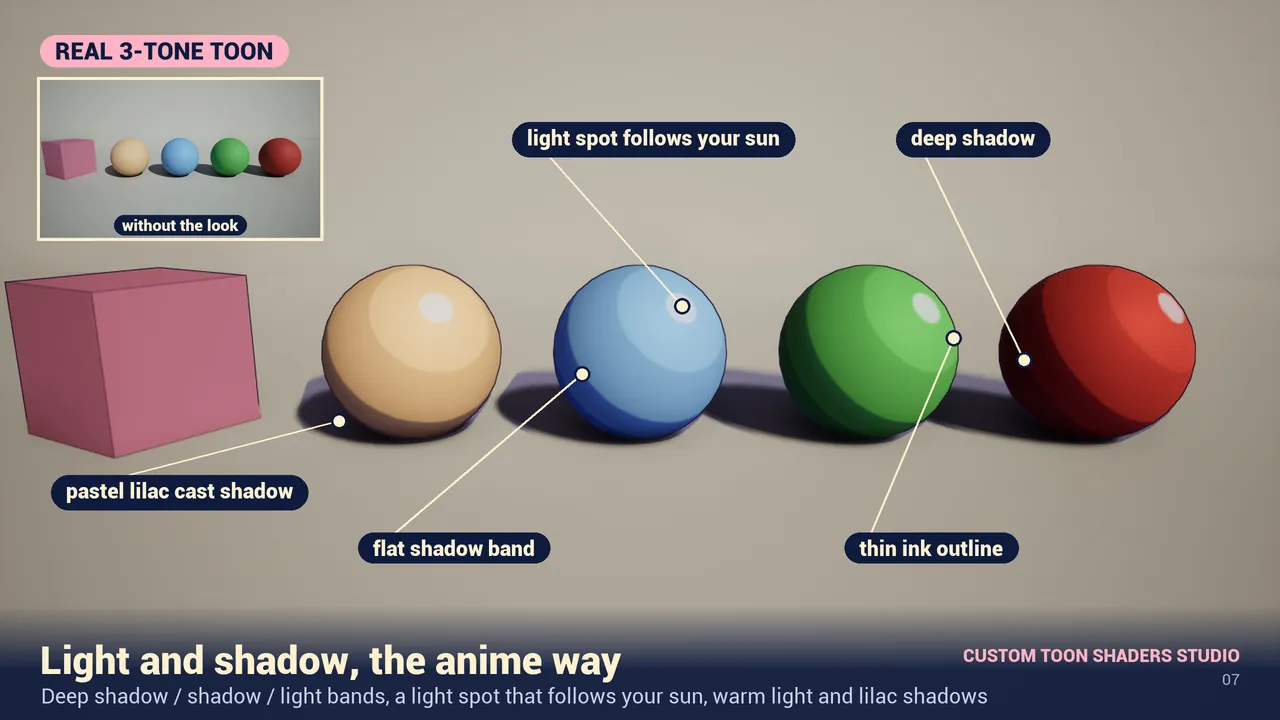
- Pastel high-key tones, with the light side close to white
- Soft shadow edges rather than a crisp toon band
- Lilac-tinted shadows instead of black
- A soft coloured outline instead of a bold ink line
Setup is one step: drag BP_ToonStudio into the level and set Preset to 02 Anime Soft.
Adjust the look
- Outline Color: set a soft version of your midtone instead of black. Blue-grey or desaturated lavender reads as anime.
- Shadow Color: a cool lilac or blue-grey. Avoid black shadows.
- Saturation and Brightness: raise Brightness slightly, lower Saturation for a watercolour-adjacent feel.
- Quality: 1 gives the best shadow bands. Lower it only if performance is tight.
Free anime shader for UE5
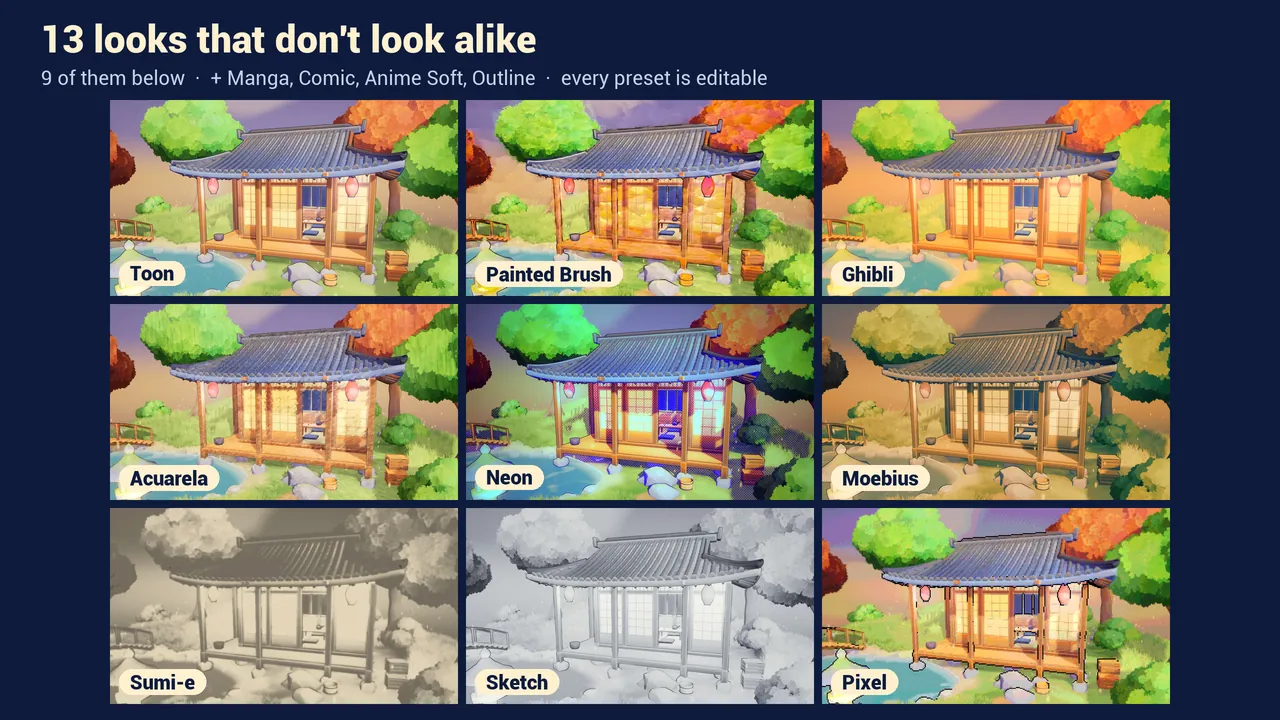
Toon Studio Lite is a free pack on Fab with three looks, including 02 Anime Soft. Same actor, same setup, three fixed presets. If you need more control or the other eleven looks, upgrade to Custom Toon Shaders Studio.
Limits
The 02 Anime Soft look needs the deferred renderer. It does not work with the Forward renderer, the Path Tracer or UEFN. Tested on Unreal Engine 5.8 (Windows, DX12).
Watch the full walkthrough
Custom Toon Shaders Studio: toon shader for Unreal Engine 5.8 (13 styles) · Watch on YouTube
Frequently asked questions
How do I make an anime-style look in Unreal Engine 5?
Use a post-process toon shader set to a soft preset: pastel high-key tones, soft shadow edges, lilac shadows and a coloured outline instead of black. No material changes needed.
Is there a free anime shader for UE5?
Yes. Toon Studio Lite is free on Fab and includes the 02 Anime Soft preset. It needs Unreal Engine 5.8 and the deferred renderer.
What is the difference between toon and anime shading in UE5?
Toon shading uses crisp, high-contrast tone bands and a bold black outline. Anime shading uses softer bands, pastel tones, lilac shadows and a soft or coloured outline.
Does the anime shader work on bought assets?
Yes. As a post-process effect it reads the finished frame and does not require you to change individual materials.
Related guides
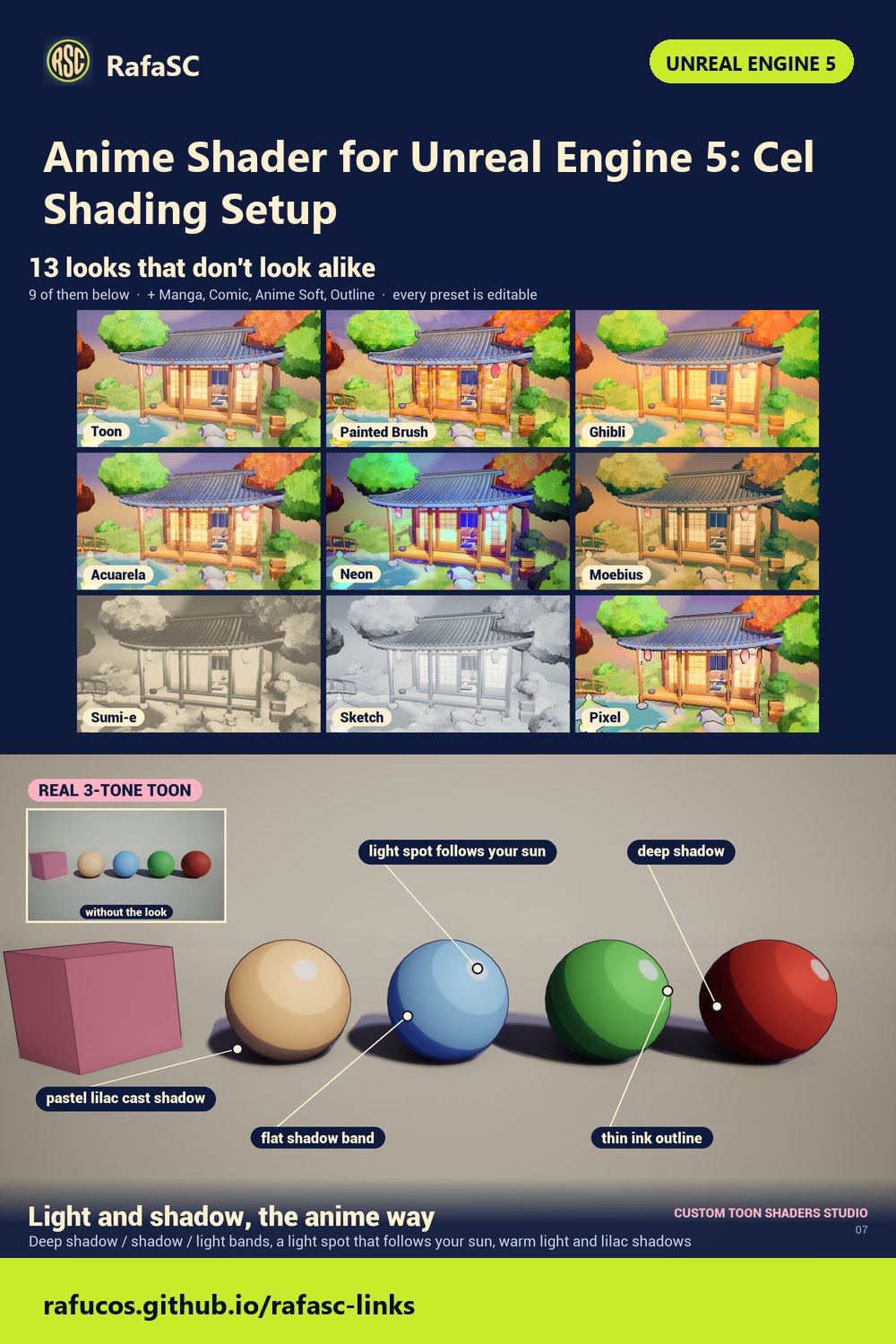
Save this guide for later. Product used on this page: Custom Toon Shaders Studio.