 RafaSC
Outline and toon shading
UE5 outline shader: add ink lines to any scene with a post process
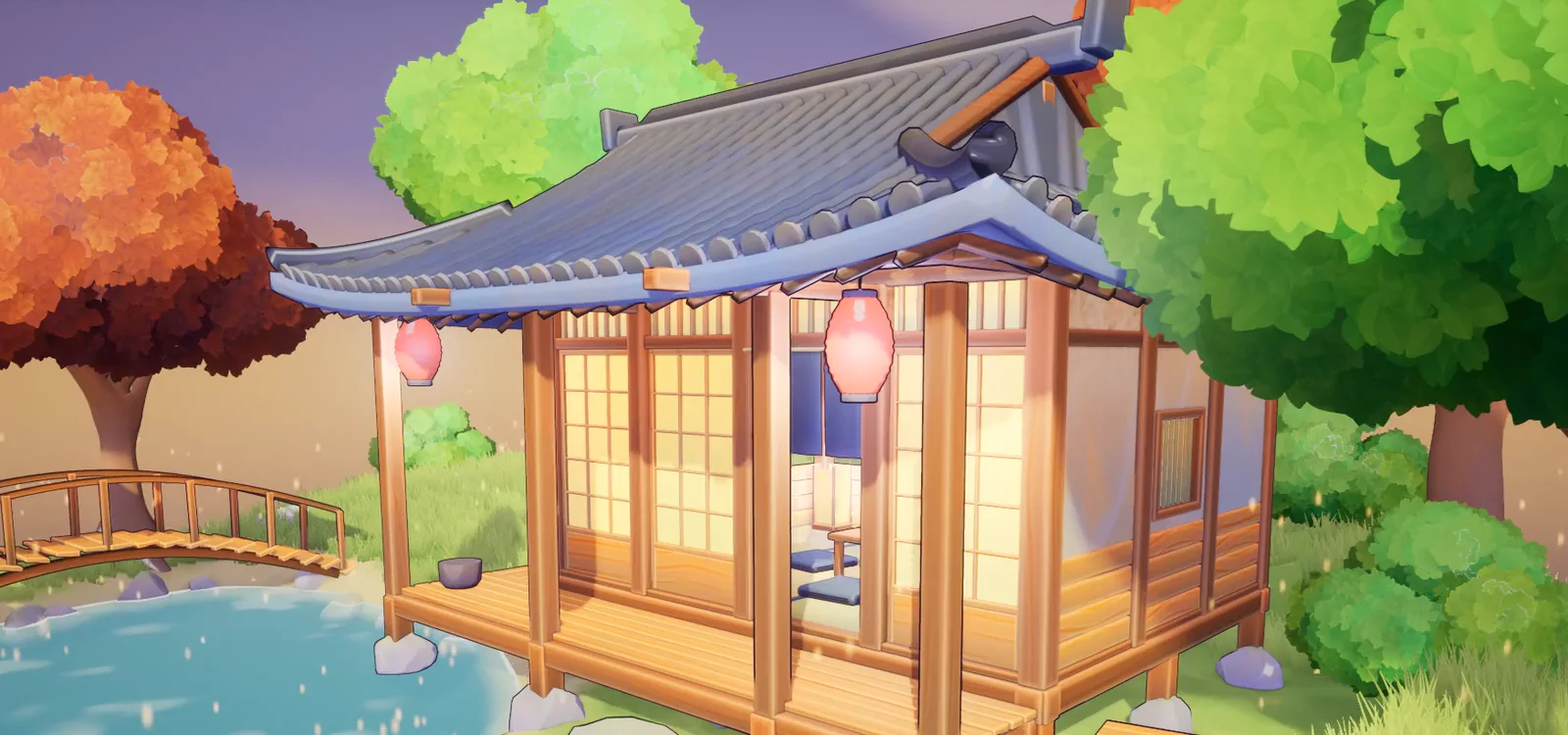
An outline shader in Unreal Engine 5 runs in a post-process material after the scene renders. It samples the depth and normal buffers to find where surfaces change, and draws a line there. That line appears on every mesh in the scene without touching a single material.
By RafaSC, 3D and technical artist · Updated · 6 min read
How a post-process outline works
The outline pass runs on the finished frame, not on individual meshes. It reads two buffers: scene depth and scene normals. Where depth or normals change sharply between neighbouring pixels, there is a silhouette or a crease — that is where the line goes.
This is why a post-process outline works on any asset, including things you bought. You do not retopologise, add an edge mesh or change any material.
Two kinds of outline
- Silhouette outline: edge detection on depth only. Fast, works on everything, misses internal creases.
- Normal outline: edge detection on the world-space normal. Finds the edges of every facet, picks up hard edges inside a mesh, can be noisy on curved low-poly surfaces.
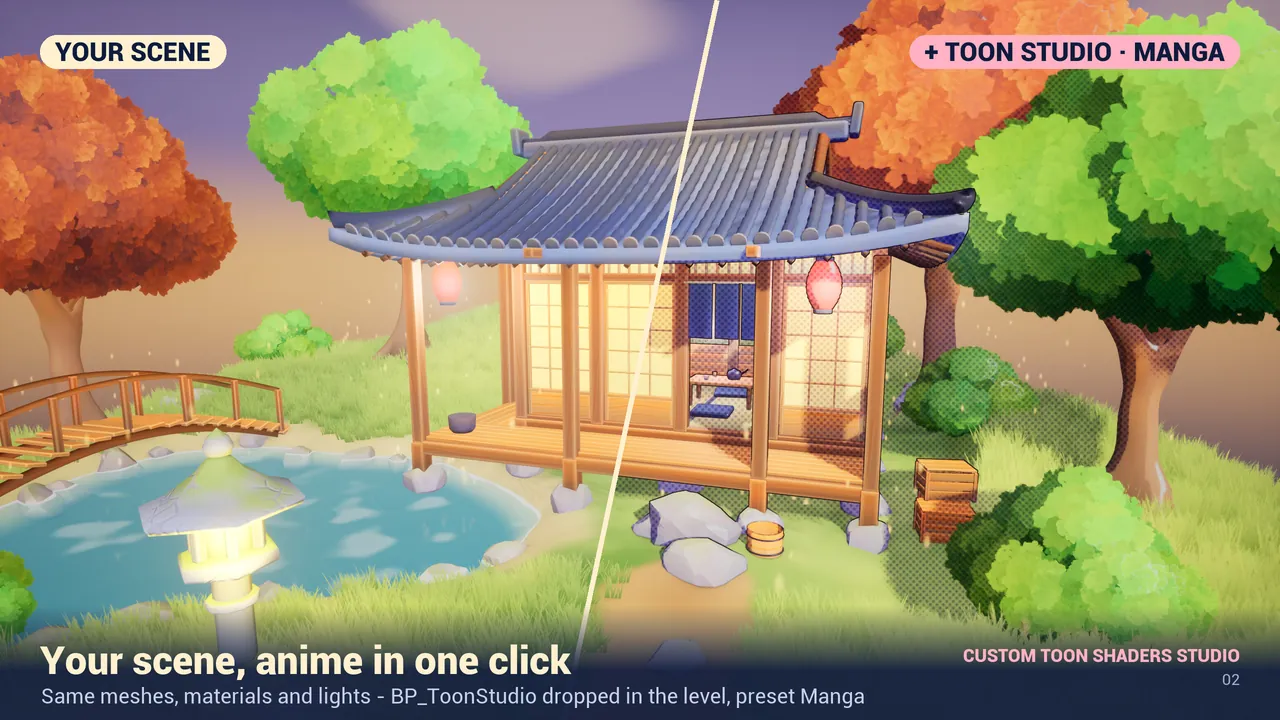
Custom Toon Shaders Studio runs both passes. The 13 Outline preset uses only the outline, leaving your art untouched. The 01 Toon preset combines outline with flat toon shading.
Per-mesh control with Custom Depth Stencil
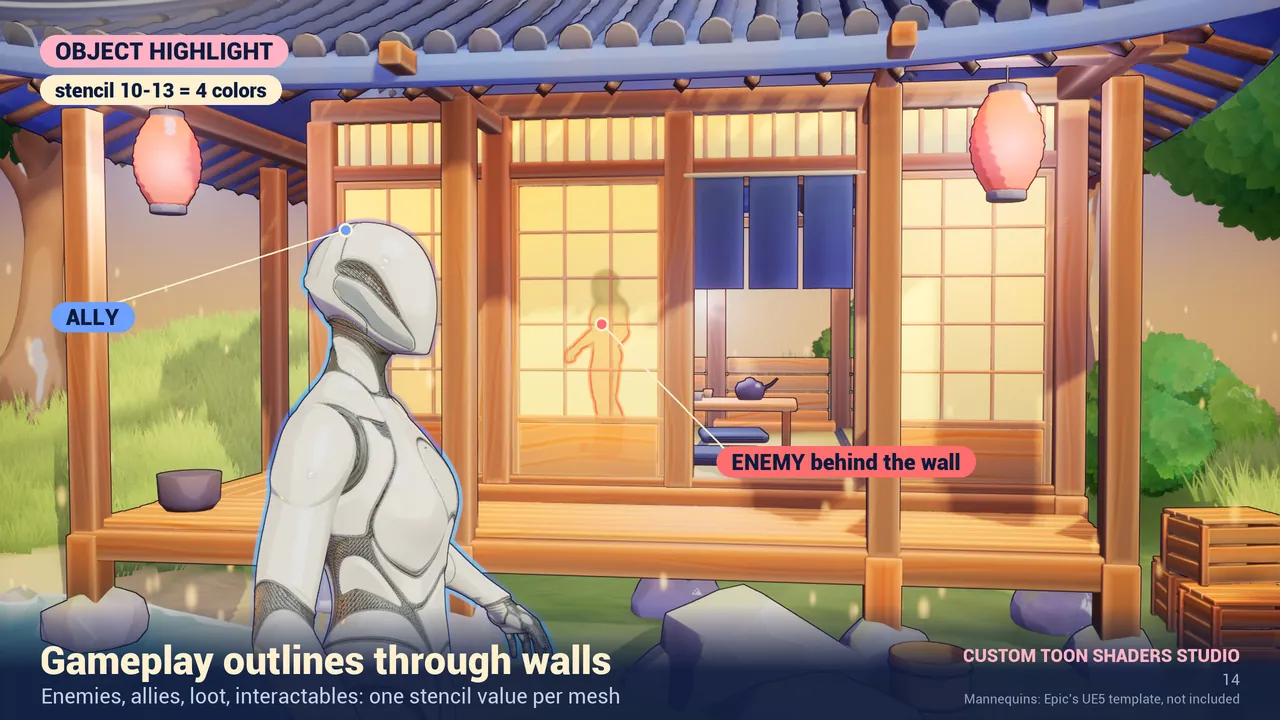
A screen-space outline treats every pixel the same. To exclude a mesh (for example a UI prop or a particle effect), or to highlight it in a different colour:
- Select the mesh in the Details panel.
- Rendering > Render CustomDepth Pass = On.
- Set CustomDepth Stencil Value.
| Stencil value | Effect in Custom Toon Shaders Studio |
|---|---|
| 2 | No outline (useful for foliage and grass) |
| 10, 11, 12, 13 | Highlight outline in colour A, B, C or D — shows through walls |
Setup steps
- Drag BP_ToonStudio (Content/ToonStudio/Blueprints) into your level.
- Select it. Details > Toon Studio > Preset = 13 Outline (outline only, no toon shading).
- To change the outline colour: Details > Toon Studio > Customize > click the + next to Outline Color.
- To exclude foliage: select the foliage mesh, Rendering > Render CustomDepth Pass = On, Stencil Value = 2.
Cost
Measured on an RTX 3080 at 1920×1080: the 13 Outline preset costs 0.29 ms. The full toon presets that include outline and shading cost 1.02 to 1.86 ms.
Watch the full walkthrough
Custom Toon Shaders Studio: toon shader for Unreal Engine 5.8 (13 styles) · Watch on YouTube
Frequently asked questions
Can I add an outline to any mesh in UE5 without changing its material?
Yes, with a post-process outline. It reads the depth and normal buffers of the finished frame and draws lines where surfaces change. No material change needed.
How do I remove the outline from foliage in UE5?
In the foliage mesh's Details panel, turn on Render CustomDepth Pass and set CustomDepth Stencil Value = 2. In Custom Toon Shaders Studio, stencil 2 removes the ink line.
Does a post-process outline show through walls?
Only for stencil highlight outlines (values 10 to 13 in Custom Toon Shaders Studio). The regular edge-detection outline does not show through walls.
How expensive is a post-process outline shader?
In Custom Toon Shaders Studio, the 13 Outline preset costs 0.29 ms on an RTX 3080 at 1920×1080. Full toon presets with shading cost 1.02 to 1.86 ms.
Related guides
Save this guide for later. Product used on this page: Custom Toon Shaders Studio.